
-
×
 Canon i- sensys 226dw laser
KSh 26,680.00 (incl. tax)
Canon i- sensys 226dw laser
KSh 26,680.00 (incl. tax)
Sale!
Original price was: KSh 26,500.00.KSh 25,000.00Current price is: KSh 25,000.00. Ex.VAT
Original price was: KSh 26,500.00.KSh 25,000.00Current price is: KSh 25,000.00. Ex.VAT
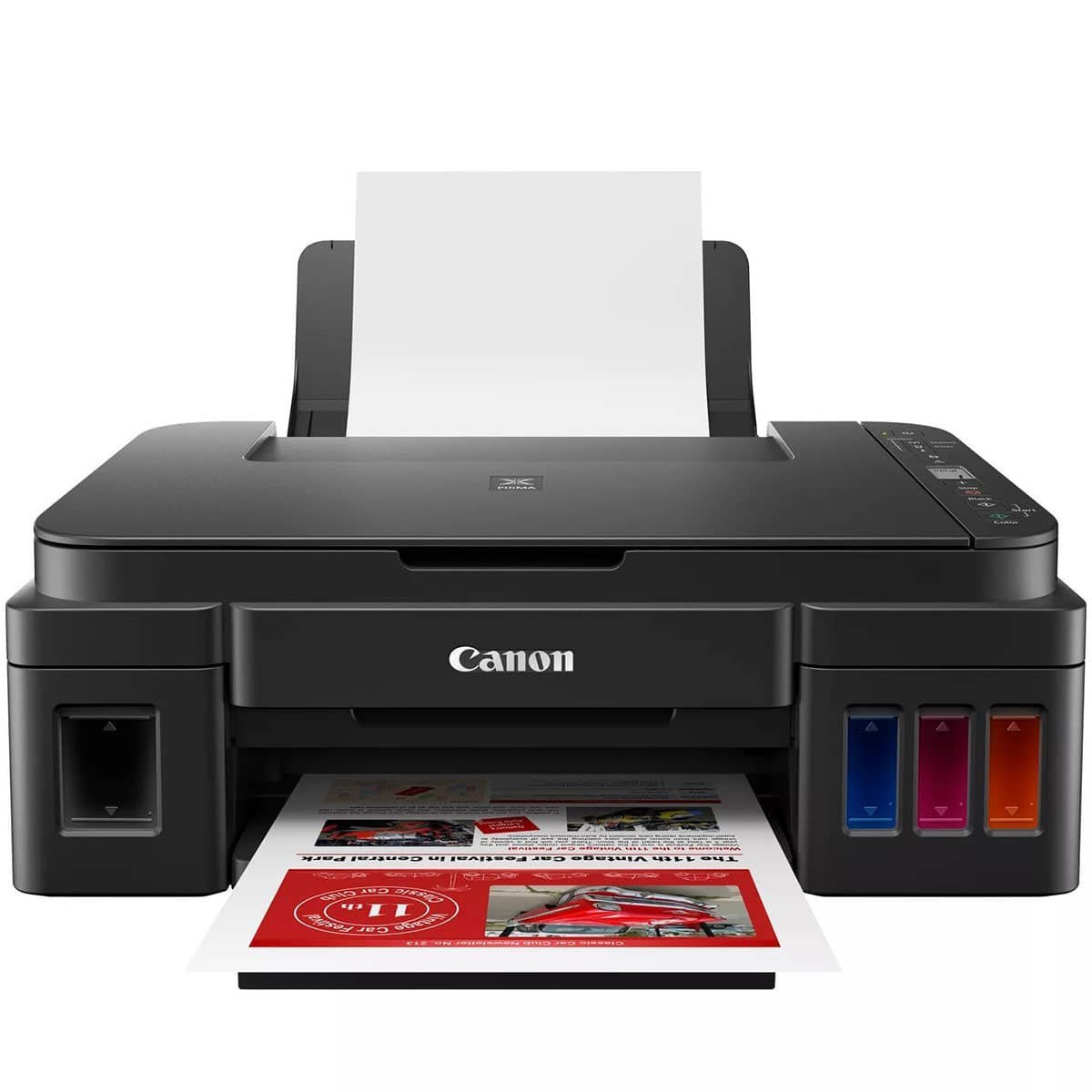
Canon PIXMA G3410 A4 Colour Multifunction Printer
Canon PIXMA G3410 is a versatile A4 colour multifunction printer designed for high-volume printing, scanning, and copying.
Featuring a refillable ink tank system, this printer offers incredible cost-efficiency and convenience, making it an ideal choice for both home and small office environments.
With its exceptional print quality and user-friendly design, the PIXMA G3410 allows you to produce vibrant documents and stunning photos with ease.
Specifications
Printer
Paper Support
Scanner
Copier
Interface
Software
Physical Features
Cartridges and Yields
Features
Common FAQs
What quality is the Canon G3410 photo?
The Canon G3410 delivers impressive photo quality with a print resolution of up to 4800 x 1200 dpi. This ensures vibrant colors and sharp details, making it suitable for printing high-quality photos, including borderless prints in various sizes.
How to print without a color cartridge in Canon?
To print without a color cartridge in your Canon printer, you can select “Grayscale” or “Black and White” in the print settings. This option allows the printer to use only the black ink cartridge. Make sure your printer settings are adjusted to prioritize black and white printing.
How do I print black and white on my Canon Pixma printer?
To print in black and white on your Canon PIXMA G3410, follow these steps:
Can I use any printer paper in Canon printer?
While you can use various types of printer paper in your Canon printer, it’s recommended to use paper that meets the printer’s specifications for optimal results. Canon printers work well with plain paper, glossy photo paper, and specialty papers designed for inkjet printers. Avoid using paper that is too thick or has a texture not suitable for inkjet printing, as this may cause jams or printing issues.
Discover the latest Canon printer prices in Nairobi, Kenya, at TDK Solutions, featuring options like the Canon PIXMA, Canon imageCLASS, Canon PIXMA Pro, and Canon MAXIFY.
Whether you need a printer for documents, photos, or labels, we have you covered. Consider factors such as print type, speed, connectivity, and cost to choose the right printer for your home or office. Enhance your printing experience with our competitive prices and expert guidance.
 Epson EcoTank L3210 A4 All-in-One Ink Tank Printer
Original price was: KSh 26,000.00.KSh 23,500.00Current price is: KSh 23,500.00. Ex.VAT
Epson EcoTank L3210 A4 All-in-One Ink Tank Printer
Original price was: KSh 26,000.00.KSh 23,500.00Current price is: KSh 23,500.00. Ex.VAT Giganet Cat 6A F/UTP Ethernet Cable 305M
KSh 24,700.00 Ex.VAT Giganet Cat 6A 10G F/UTP Indoor ethernet cable 305M
KSh 21,800.00 Ex.VAT
Giganet Cat 6A F/UTP Ethernet Cable 305M
KSh 24,700.00 Ex.VAT Giganet Cat 6A 10G F/UTP Indoor ethernet cable 305M
KSh 21,800.00 Ex.VAT Cash Drawer Micros 410C | Cash Register Machines
KSh 7,000.00 Ex.VAT
Cash Drawer Micros 410C | Cash Register Machines
KSh 7,000.00 Ex.VAT Patch Cords, Dlink, TPlink, HST 5 meter
KSh 750.00 Ex.VAT
Patch Cords, Dlink, TPlink, HST 5 meter
KSh 750.00 Ex.VAT
Canon Printers
Canon Printers

Canon Printers
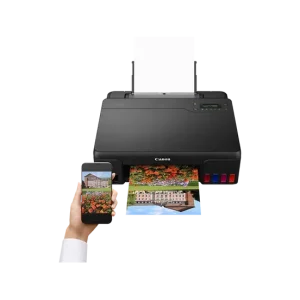
Canon Printers

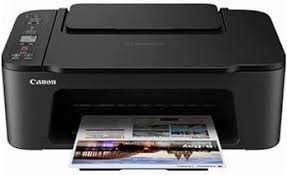
Canon Printers
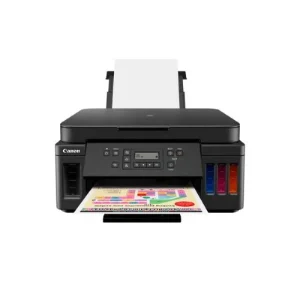
Canon Printers

Canon Printers
Lorem ipsum dolor sit amet, consectetur adipiscing elit. Quisque pretium mollis ex, vel interdum augue [...]
4 Comments
Lorem ipsum dolor sit amet, consectetur adipiscing elit. Quisque pretium mollis ex, vel interdum augue [...]
Lorem ipsum dolor sit amet, consectetur adipiscing elit. Quisque pretium mollis ex, vel interdum augue [...]
It's estimated that more than 5 billion people have mobile devices, which represents approximately 94% [...]
Lorem ipsum dolor sit amet, consectetur adipiscing elit. Quisque pretium mollis ex, vel interdum augue [...]

Lorem ipsum dolor sit amet, consectetur adipiscing elit. Quisque pretium mollis ex, vel interdum augue [...]

Lorem ipsum dolor sit amet, consectetur adipiscing elit. Quisque pretium mollis ex, vel interdum augue [...]